

Utilities
PhonePlay
Play any Android game on PC with a controller, mouse, and keyboard. No emulator. No phone app. One permission. Connect by USB, drop buttons onto a screenshot...
Description
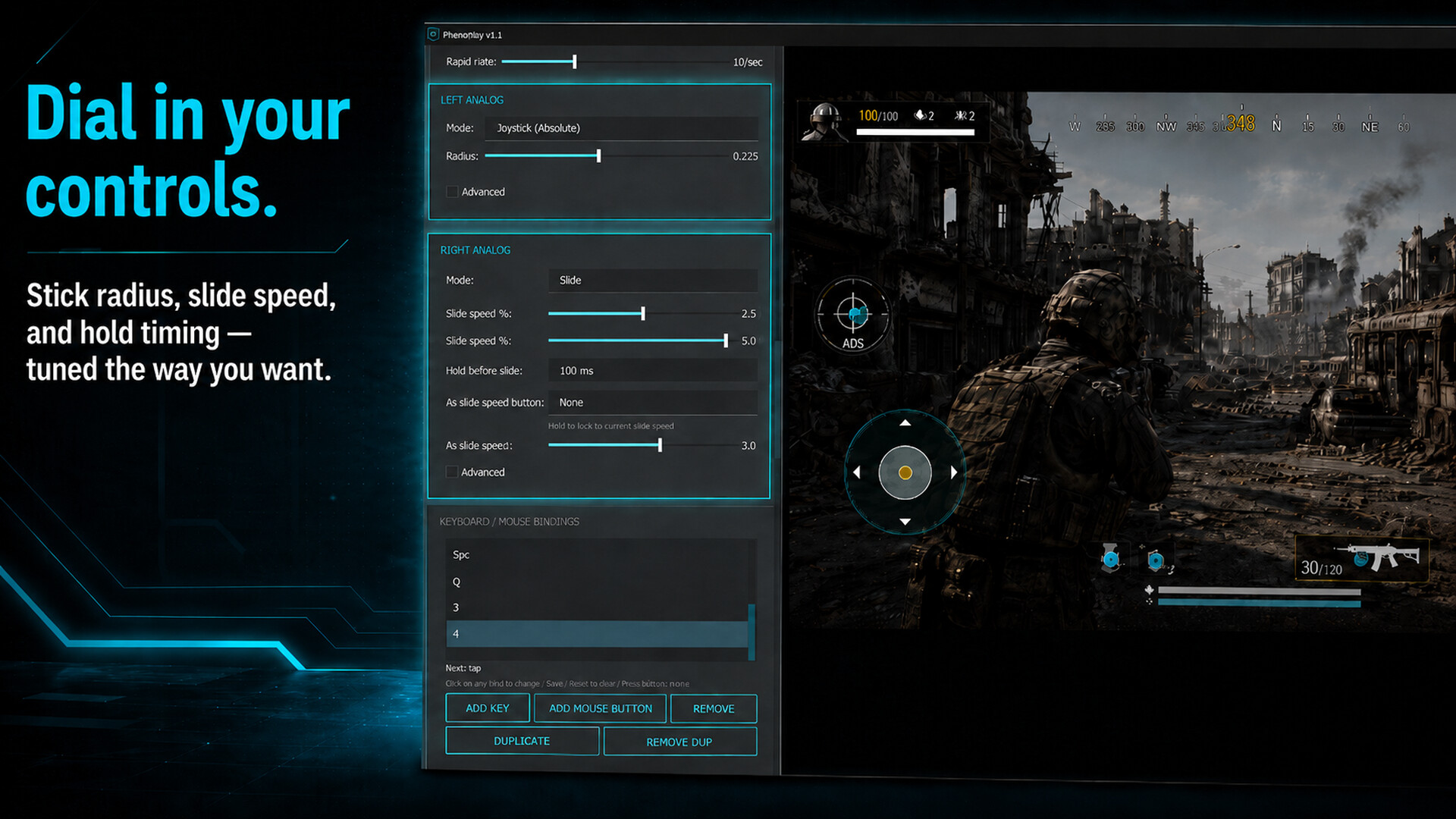
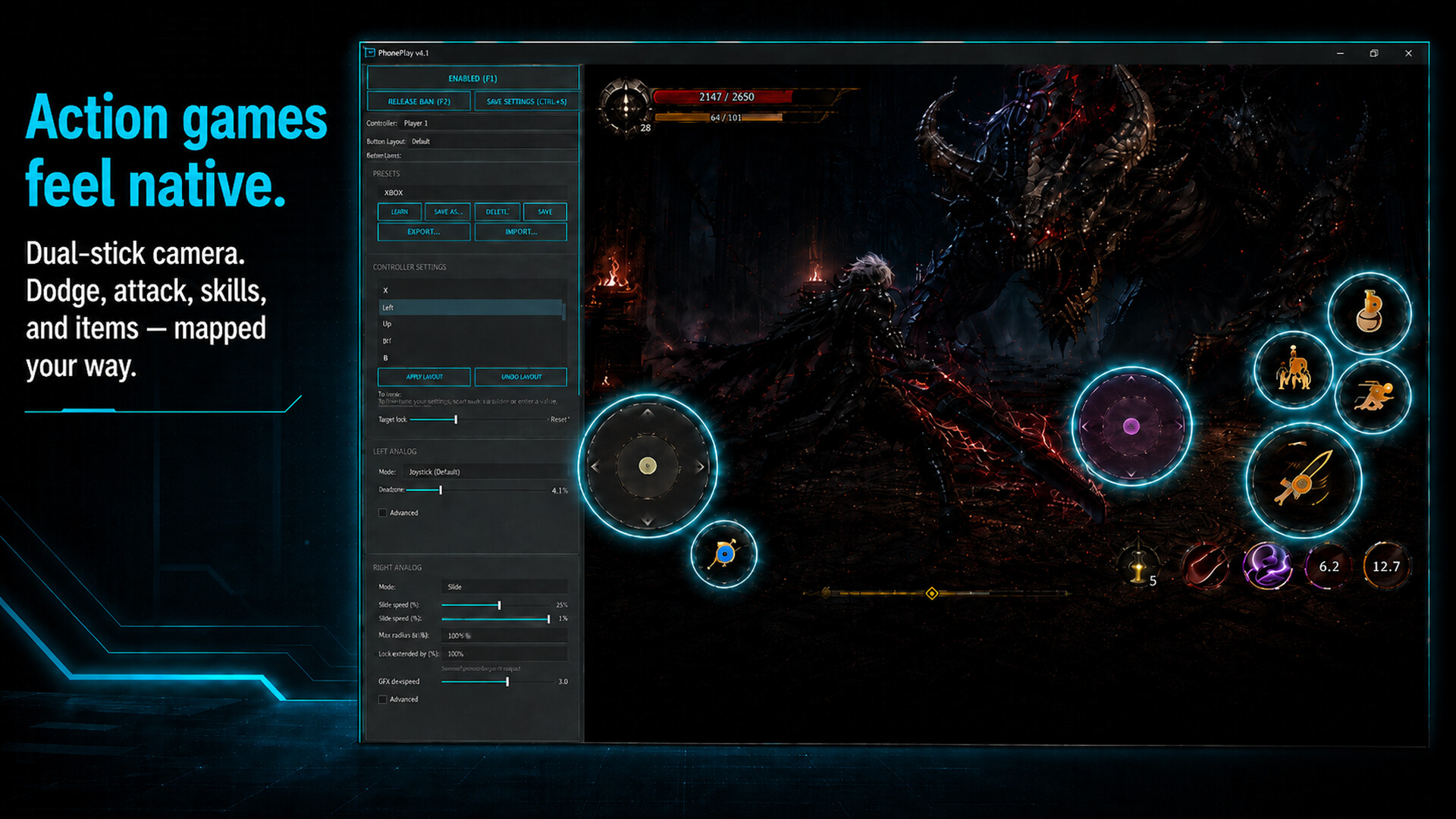
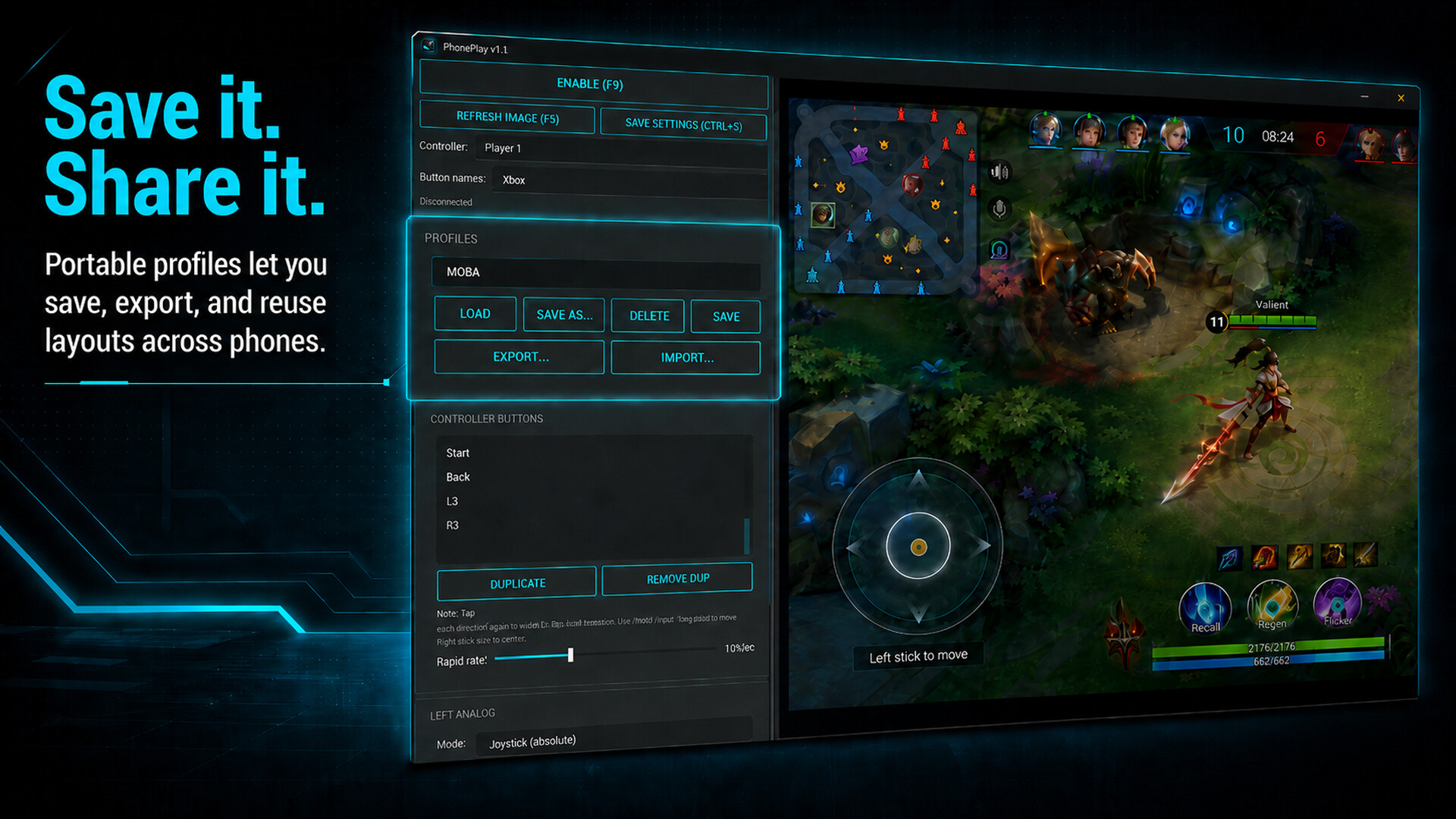
Play any Android game on PC with a controller, mouse, and keyboard. No emulator. No phone app. One permission. Connect by USB, drop buttons onto a screenshot of your phone, save a profile, and play. Setup in under 60 seconds.
Screenshots


System requirements
Minimum
- OS
- Windows 10
- CPU
- Any modern dual-core
- RAM
- 8 GB RAM
- GPU
- DirectX 11 Graphics Card
- DirectX
- Version 11
- Storage
- 25 GB
Recommended
- OS
- Windows 10
- CPU
- Any modern dual-core
- RAM
- 8 GB RAM
- GPU
- DirectX 11 Graphics Card
- DirectX
- Version 11
- Storage
- 25 GB